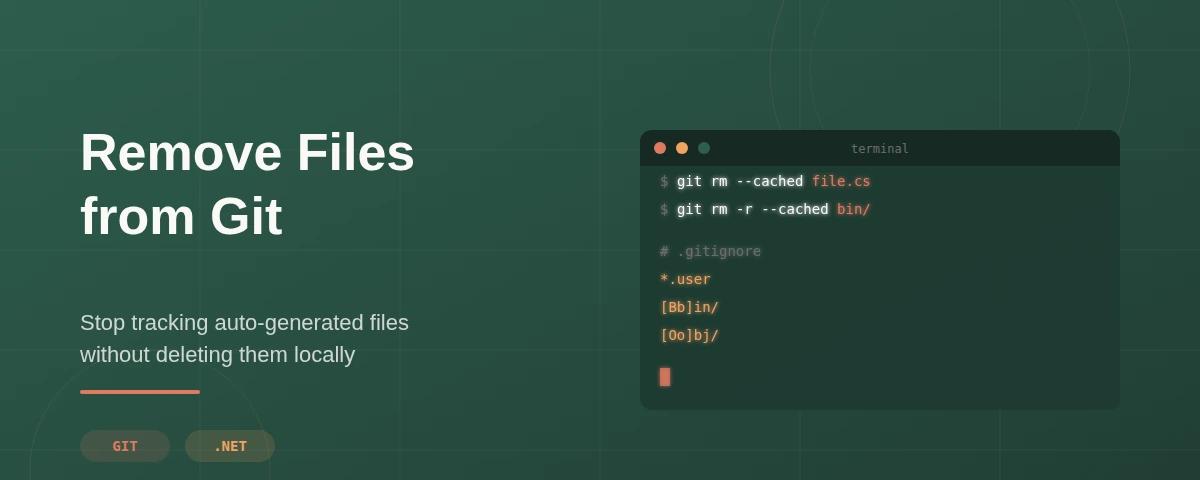
No matter what kind of project you work on, there's always auto-generated code that refreshes on every build, files that by design should stay local. Yet it's common to find repositories with these files already committed, causing unnecessary merge conflicts and rebase nightmares that could have been avoided.
Thankfully, there's a way to remove them and make sure no one commits them again.
Here's how.
1. Remove the File from Tracking
The first step is to tell Git to stop tracking the file without deleting it from your local machine.
# Individual file
git rm -r --cached path/to/file

# Folder path
git rm -r --cached path/to/folder/
Why use a command instead of simply removing the file you may ask?
git rm --cachedremoves the file from the remote repository but keeps your local copy. Perfect for auto-generated files your project still needs locally.- Manually deleting a file and pushing that change removes it from both your machine and the repository.
Note: This removes the file from the current state of the repository, but Git preserves its history. Anyone can still see the file existed by browsing past commits. If you accidentally committed sensitive data like API keys or credentials, you'll need a more thorough approach
2. Add It to .gitignore
The files are no longer tracked on the repository but now we need to make sure they can't be re-added again. To this end we need to create or update our .gitignore file at the root of our project and make sure it includes the files or folder paths you just excluded in the previous step.
# Specific file
appsettings.Development.json

# File naming pattern
*.user
*.log

# Folder
[Bb]in/
[Oo]bj/
You can use gitignore.io if you want a complete .gitignore template for your specific project type3. Commit and Push
Finally, we just need to push our changes to the remote repository to make the changes available to everyone
git add .
git commit -m "Remove auto-generated files from tracking"
git push origin main
Note: The code here is simplified for educational purposes, you normally would create a feature branch and a pull request to commit your changes